
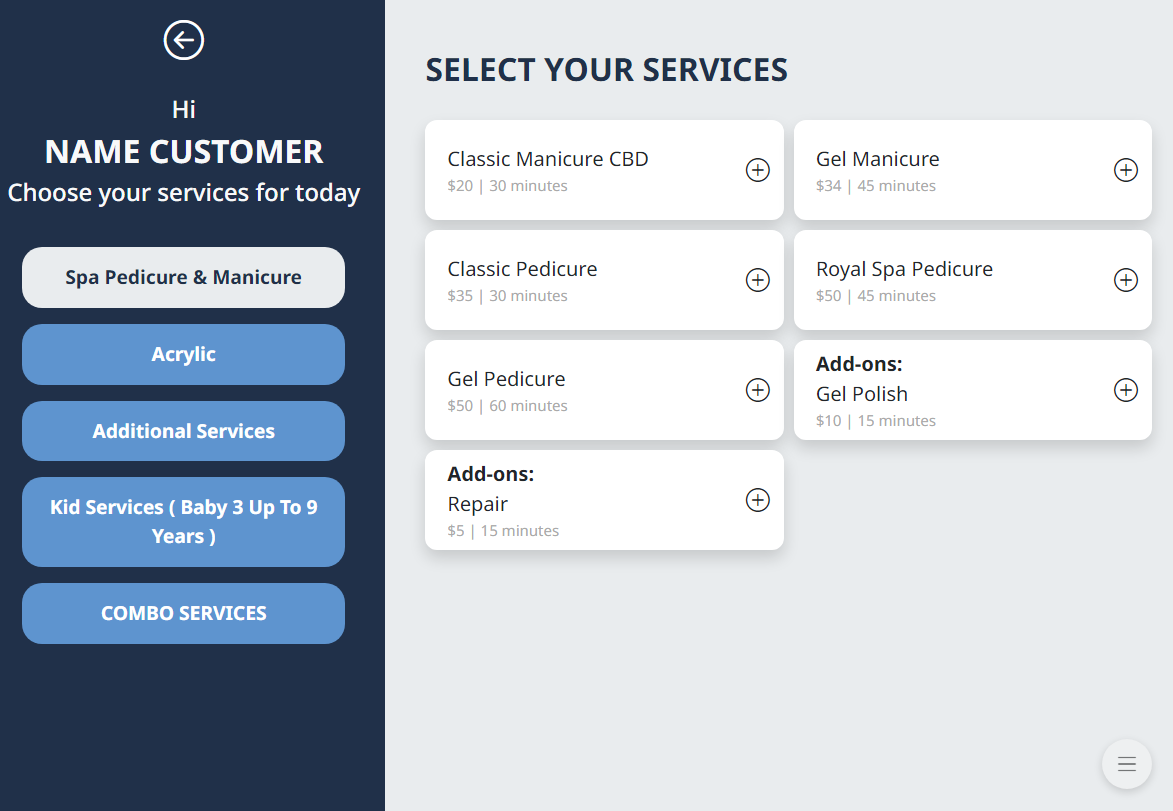
– Select a service category on the left side. The list of services in the selected category will be displayed.
– Select the service you want to check in.
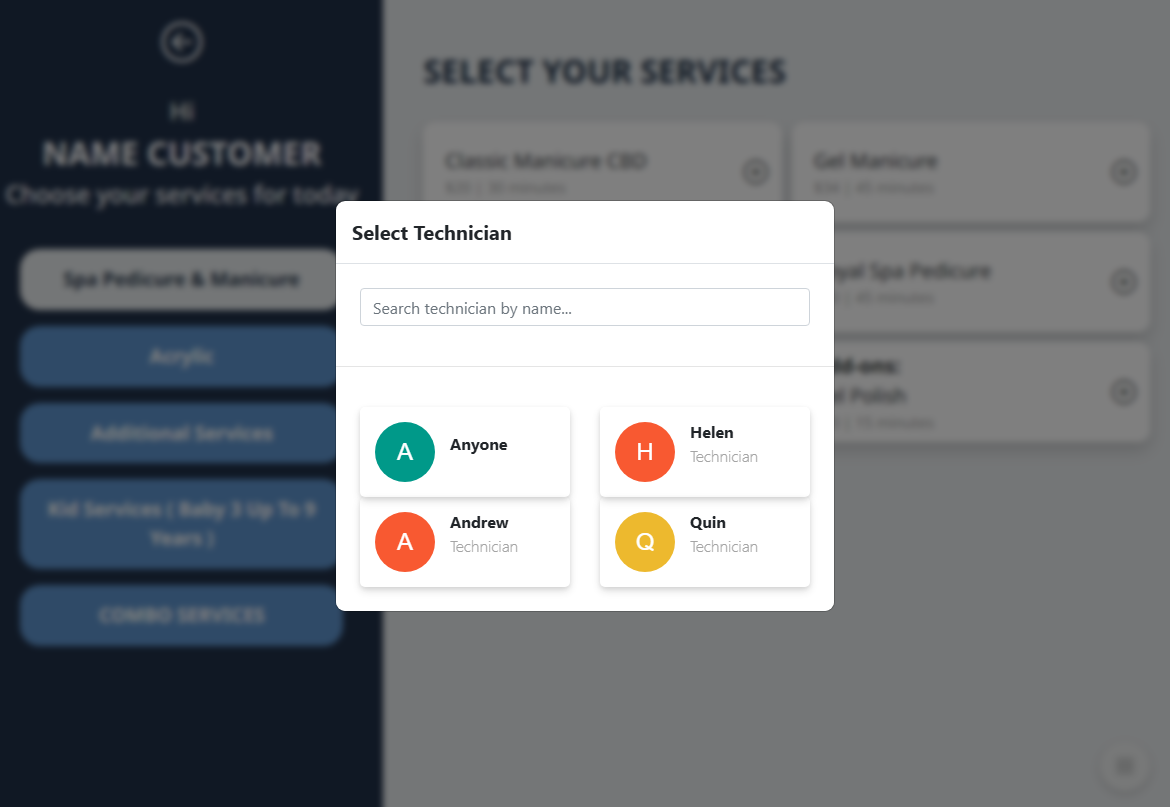
– Select a technician for the chosen service.
*Note: The technician must be logged in with a passcode to appear in the list. Otherwise, only Anyone will be displayed.
**View more about technician login and logout**
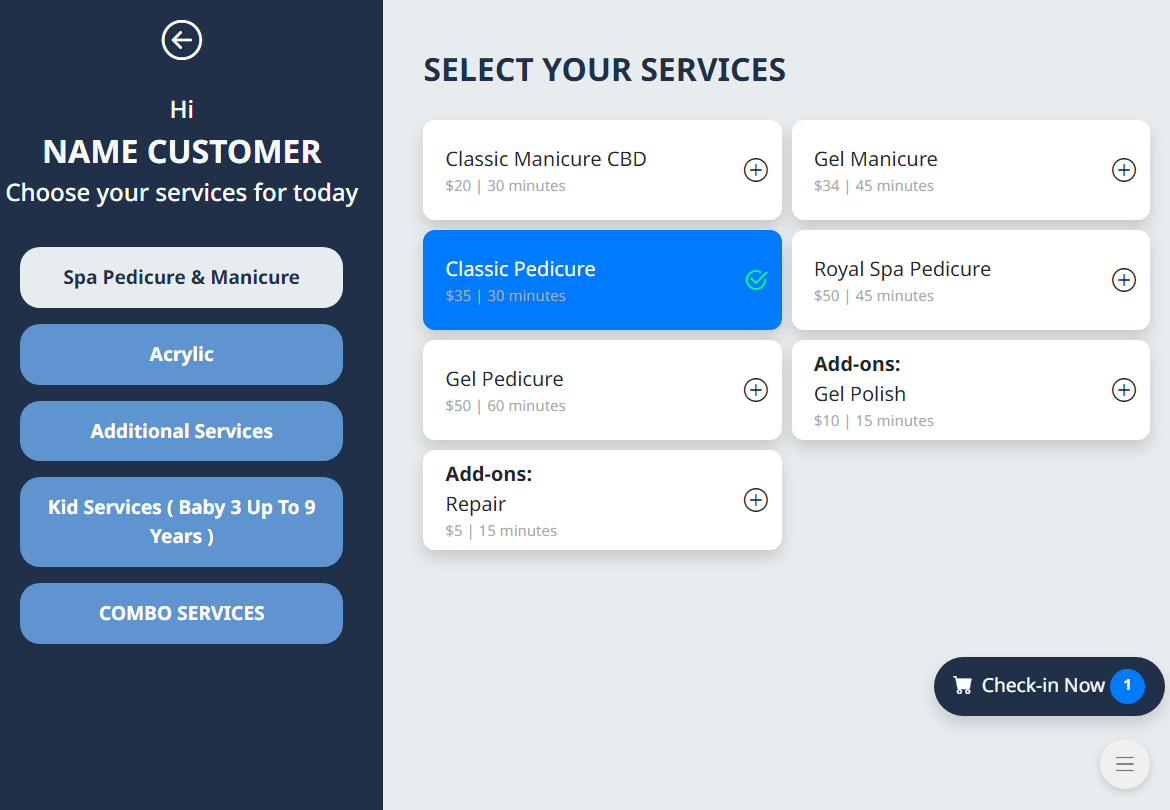
– Tap Check in Now to view the list of selected services.
– Or tap Remove to delete a service from the selected list.
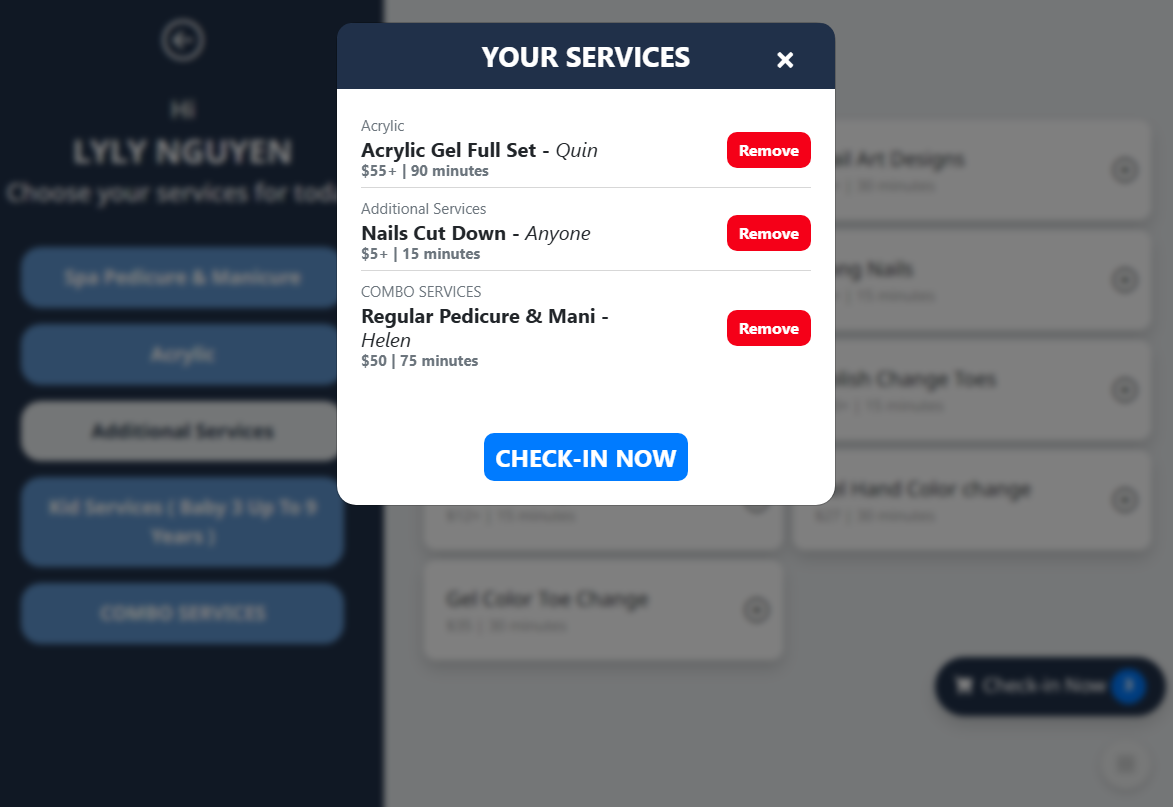
– Tap Check in Now to complete the check in process.