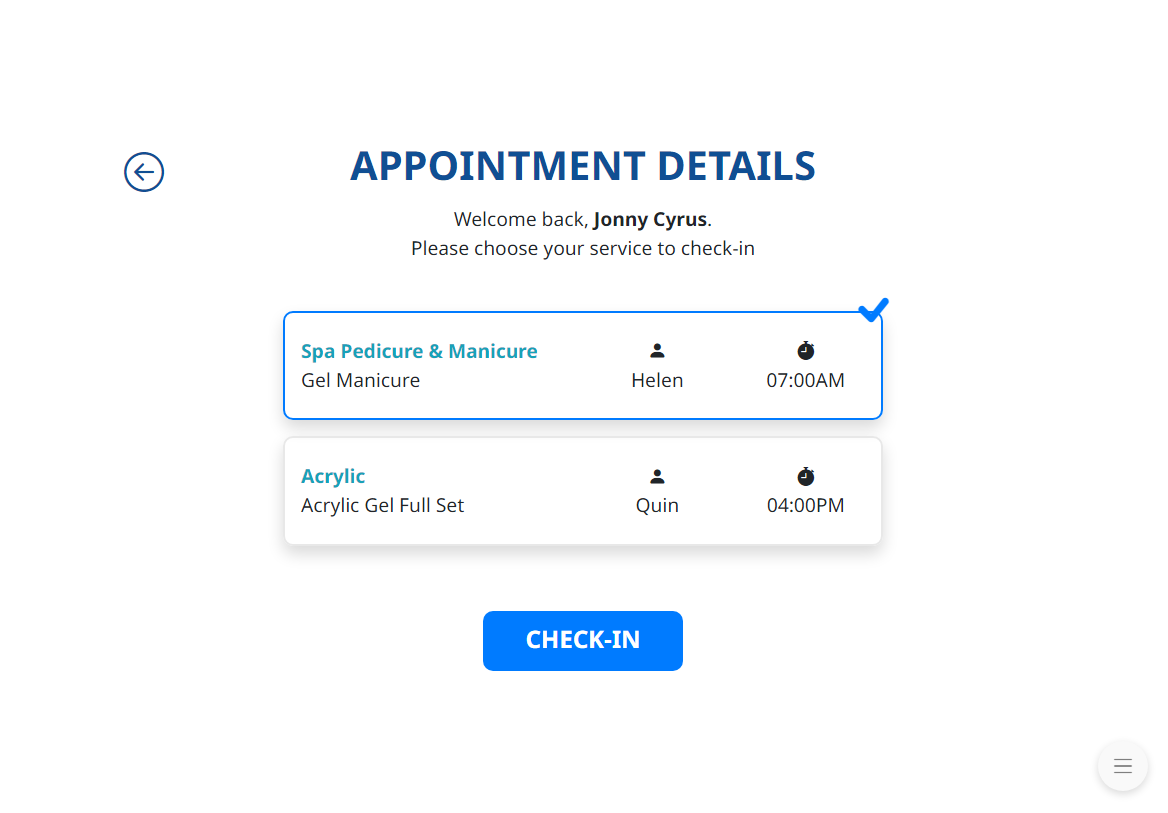
– Customers enter their phone number and tap Next.
– The system will automatically check whether they are a new customer or a returning customer.
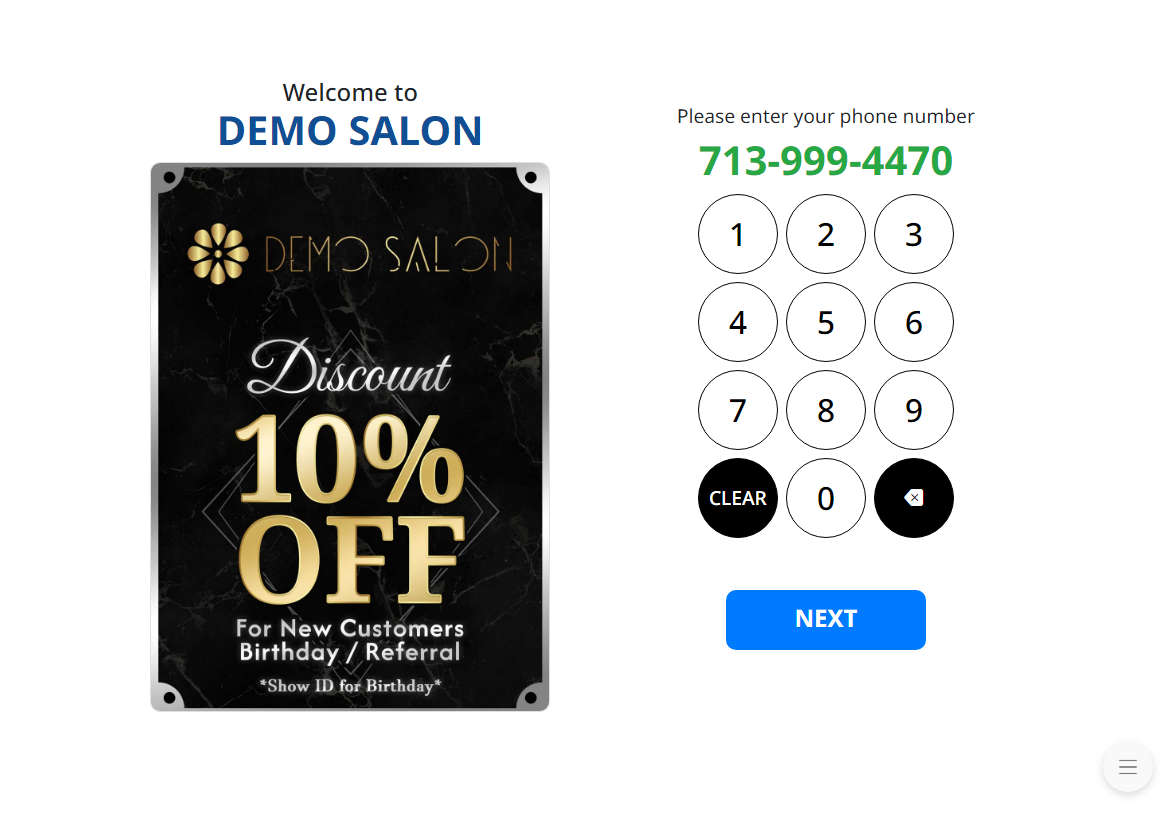
1. New Customers:
– Enter the customer full name.
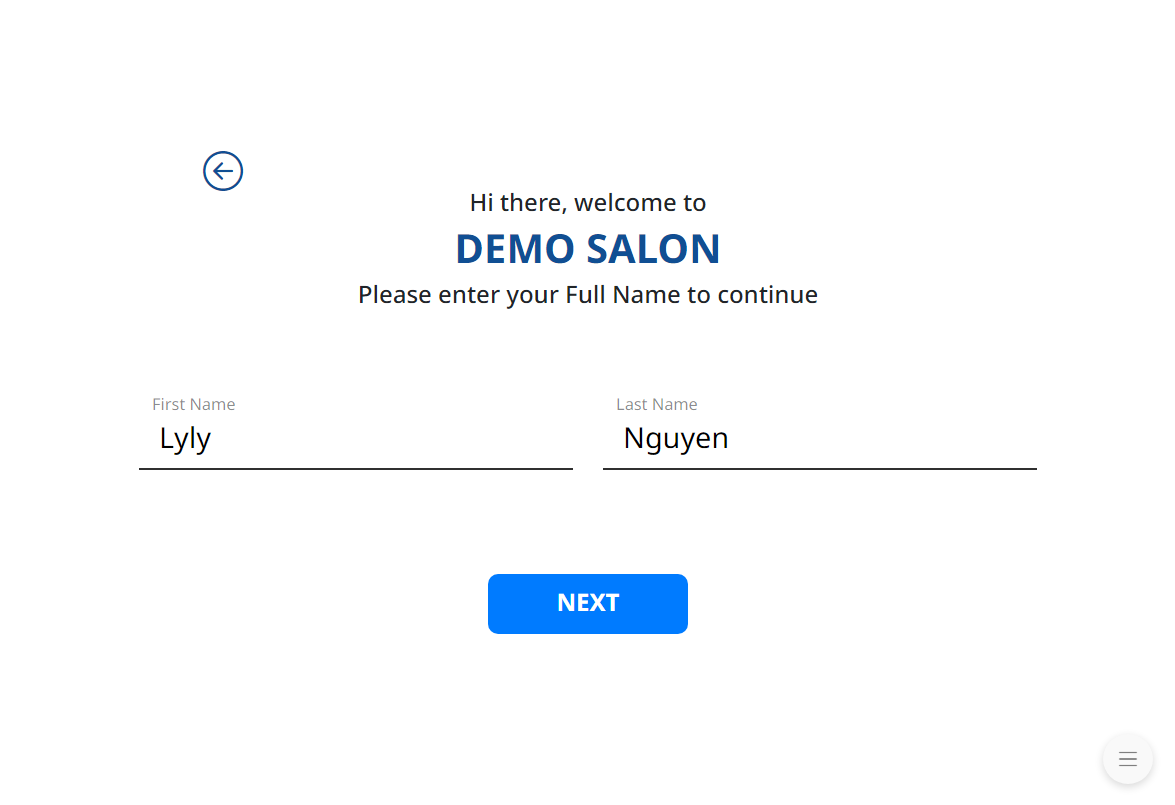
– Enter the customer email address. (if available or this step can be skipped).
*We recommend customers provide an email address when using services at the salon to support future features in the system that require a customer email.
– After that, select the service the customer wants to check in for.
**View service selection instructions**
2. Returning Customers:
– If the customer is a returning customer, the system will automatically redirect to the service selection screen..
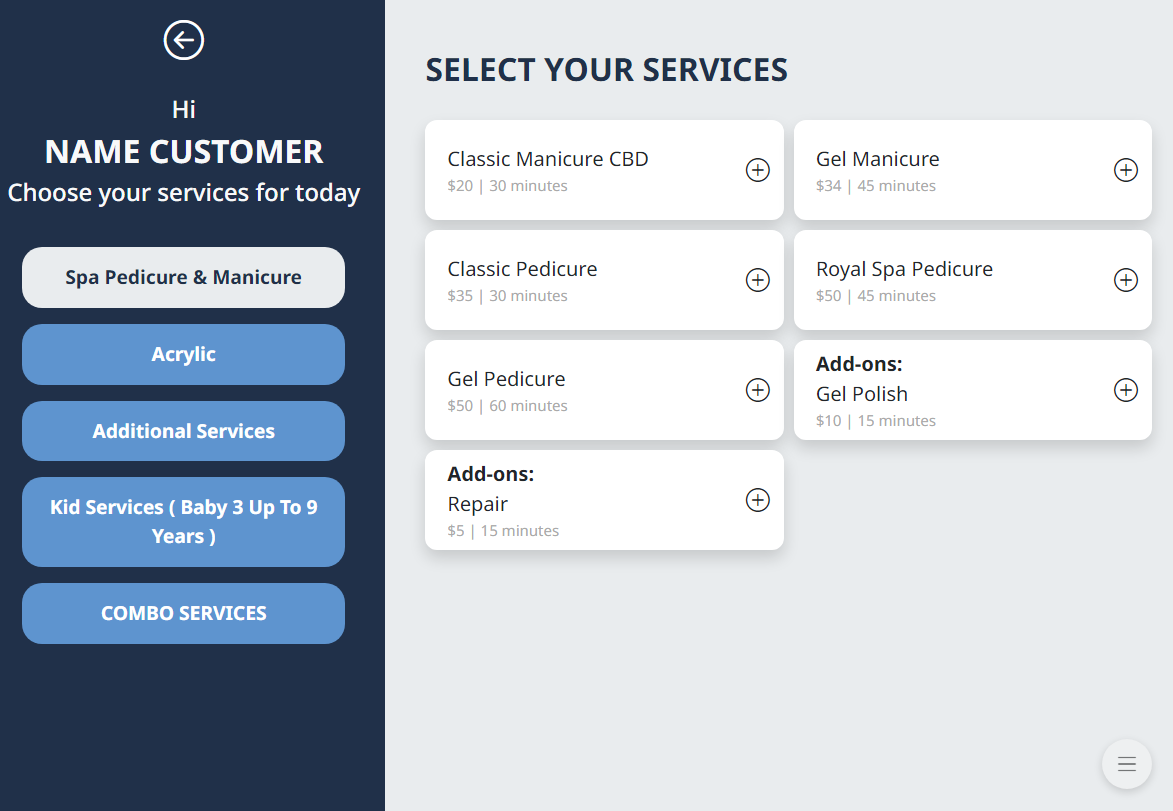
**View service selection instructions**
3. Customers with Online Appointments:
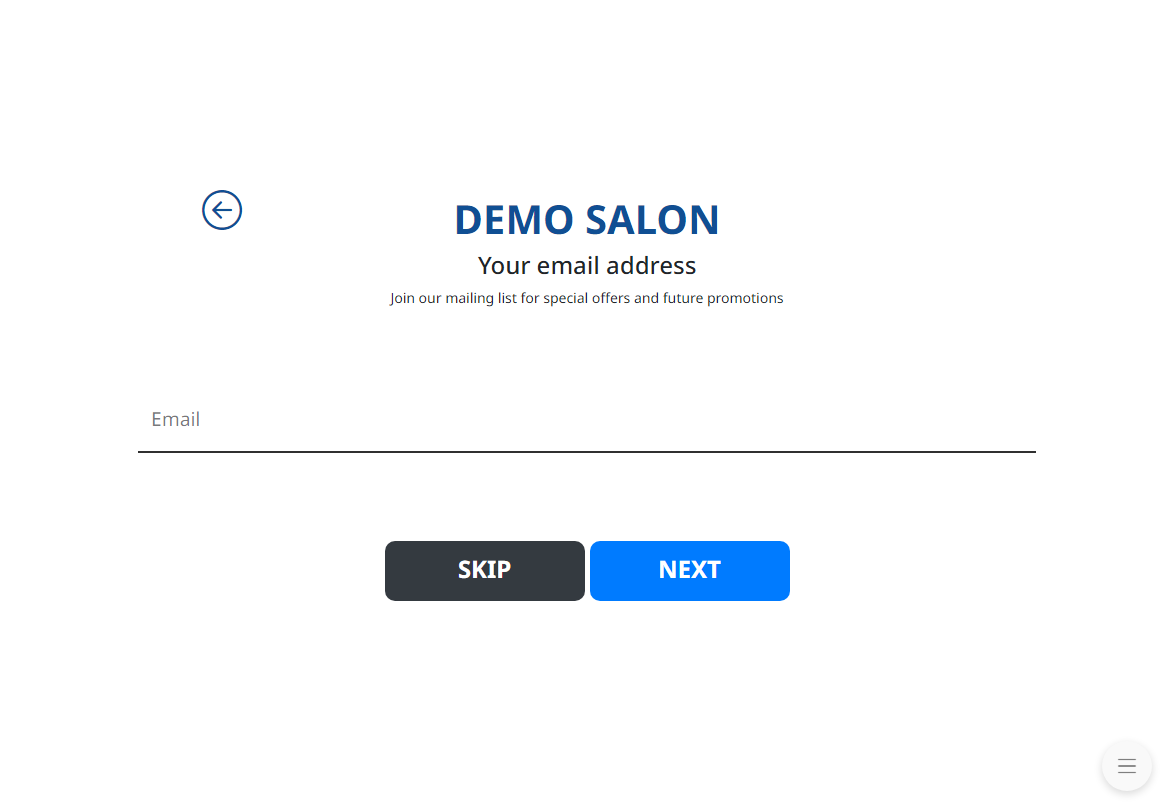
– Customers who have previously booked an online appointment only need to enter their phone number upon arrival.
– The system will display the appointment details.
– Select the service to begin at check in. Multiple services can be selected at the same time.