
– In the menu bar, navigate to Settings → Text Message Settings.
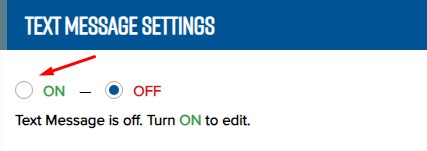
– Select ON to enable the text messaging service.
– Enable the desired SMS sending or receiving features by checking the corresponding boxes.
– Appointment Reminder: select the preferred time for sending appointment reminder messages.
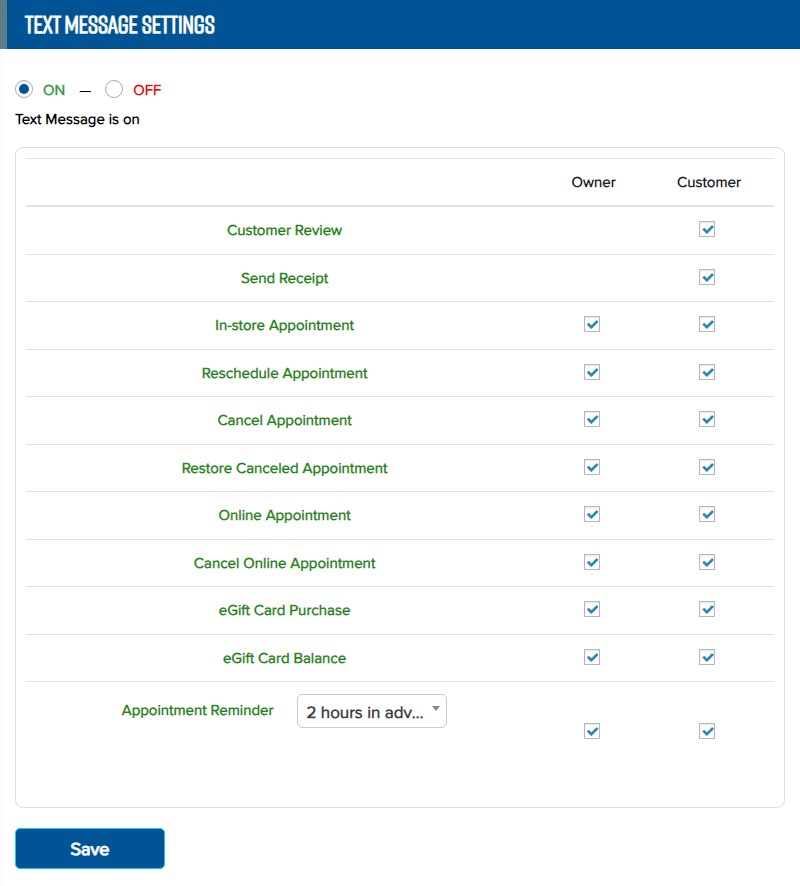
– Click Save to save the changes.