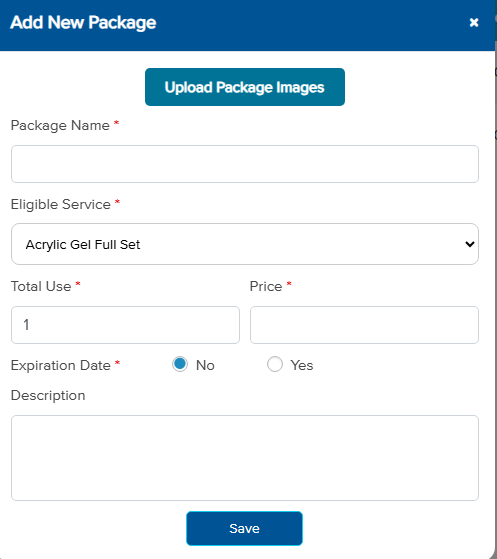
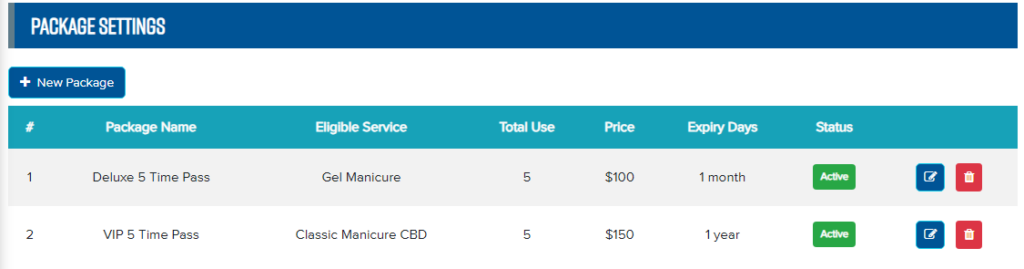
Create New Package – In the Appointment Packages section, select Package Settings. – Click New Package to create a package. – Fill in all package information, then click Save. After creating the package, you can edit or delete it in the package management table below.